Introduction
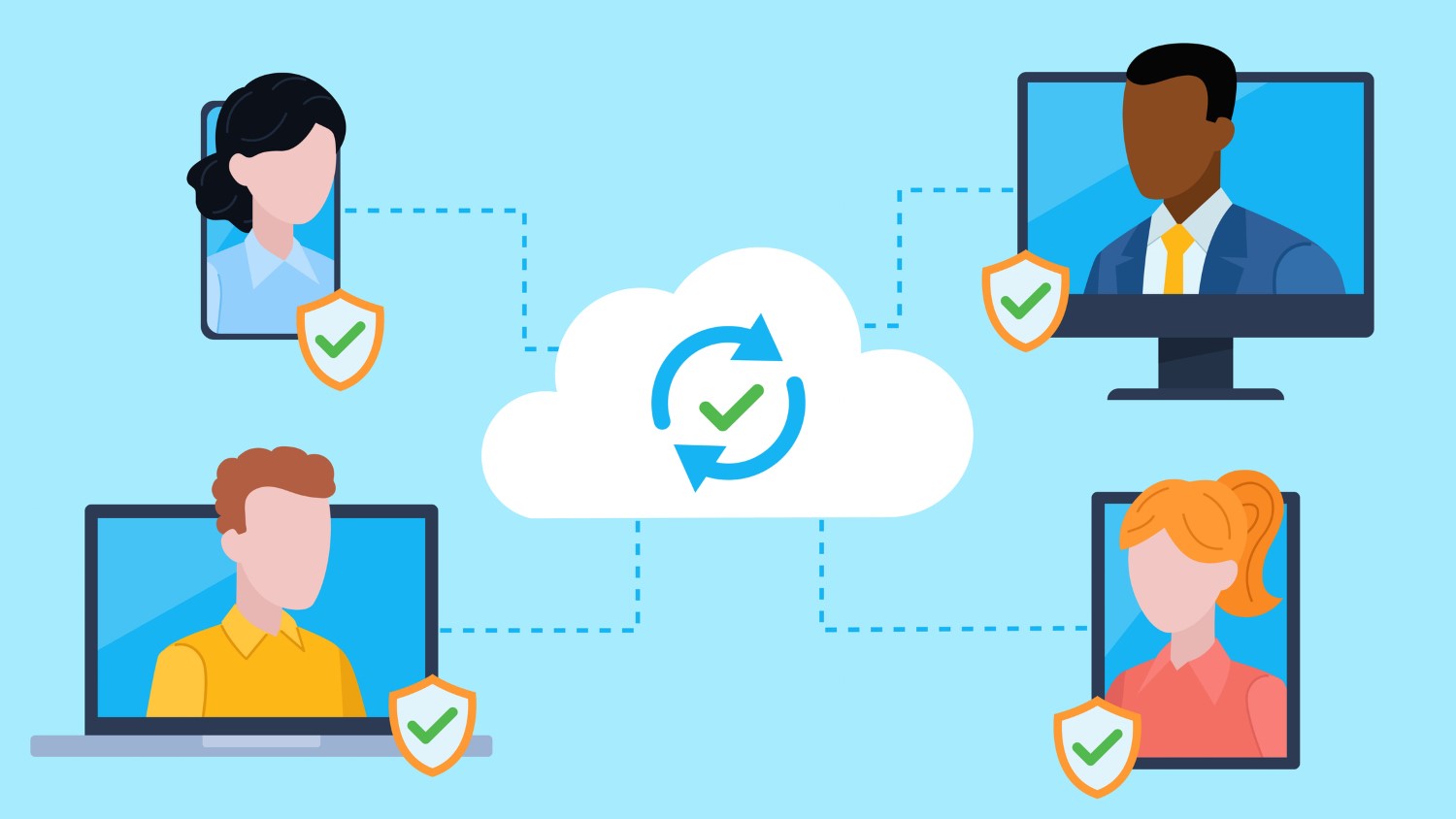
Traditional IT support is usually based on on-premises systems alone, which means the systems are expensive, inflexible, and require too much time to maintain. IT Cloud Support is the opposite model, a cloud-based platform that offers users IT teams the ability to monitor, troubleshoot, and manage systems remotely in addition to the enhanced accessibility and flexibility.
Given the fast cloud adoption across sectors, firms that resort to cloud-based IT support can significantly diminish their downtimes, improve security, and ultimately supersede human error through employee productivity.
1. What is Cloud-Based IT Support?
Cloud-based IT support means it is done through cloud platforms. It is a way of delivering IT services, monitoring, troubleshooting, and managing IT equipment and systems through the cloud. It includes mostly:
-
Remote system monitoring: Checking cloud and on-pm systems for performance, security, and uptime.
-
Helpdesk and ticketing: Mainframe cloud-based systems dedicated to a unified channel for reporting and resolving issues.
-
Software as a Service (SaaS) management: The column of the efficient and secure running of cloud applications.
-
Disaster recovery and backup: Cloud-based means of quickly and securely recovering data.
With cloud support opportunities are scaled, anytime anywhere; and on top of that, they are often cheaper thanks to the pay-go pricing.
2. Key Benefits of Cloud-Based IT Support
a) Cost Efficiency
-
Less need for both the on-premise hardware and infrastructure maintenance.
-
Predictable budgeting is possible with subscription-based pricing.
-
Cut down on downtime costs and without much disruption.
b) Scalability and Flexibility
-
IT resources can be easily increased or decreased as per the needs of the business.
-
Supports remote and hybrid teams without TED the need for physical office IT infrastructure.
c) Enhanced Security
-
Depending on the cloud provider, most of the advanced technology including multi-factor authentication, encryption, and constant monitoring is being deployed for security.
-
Regular updates and patches cut down on vulnerabilities to cyber-attacks.
d) Accessibility and Collaboration
-
IT teams are at liberty to monitor and manage from anywhere.
-
The employees accessed cloud applications as well as IT services seamlessly which increased collaboration and productivity.
e) Proactive Maintenance and Monitoring
-
The constant monitoring detects the smallest of issues before they break out.
-
Automated alerts and diagnostics work to reduce downtime and increase system reliability.
3. Best Practices for Cloud-Based IT Support
a) Choose the Right Cloud Provider
-
Evaluate providers like uptime guarantees, security standards, compliance certifications, and support availability.
-
Think in a multi-cloud or hybrid cloud approach for flexibility and redundancy.
b) Implement Strong Security Measures
-
Use encryption for data in transit and at rest.
-
Apply multi-factor authentication for remote access.
-
Conduct regular security audits and vulnerability assessments.
c) Monitor Performance Continuously
-
Use cloud monitoring tools to track server health, application performance, and network connectivity.
-
Set alerts for unusual activity or potential failures.
d) Regular Backups and Disaster Recovery Planning
-
Ensure critical business data is backed up in the cloud.
-
Test disaster recovery plans periodically to ensure quick recovery in case of outages or cyber incidents.
e) Train Employees and IT Staff
-
Provide training on cloud platforms, remote support tools, and security best practices.
-
Empower employees to follow safe practices and report issues proactively.
f) Document Processes and Policies
-
Maintain clear IT support procedures for troubleshooting, access control, and incident management.
-
Use centralized cloud-based documentation for easy reference by IT staff and users.
4. Cloud-Based IT Support Tools
-
Remote Monitoring & Management (RMM) platforms: For real-time monitoring of devices, servers, and networks.
-
Helpdesk and ticketing software: Centralized system for managing support requests.
-
Cloud backup and disaster recovery services: Secure and automated data protection solutions.
-
Collaboration tools: Cloud-based platforms for team communication and file sharing.
-
AI and analytics tools: Predictive insights for proactive maintenance and optimization.
Conclusion
Cloud-based IT support has revolutionized the way companies are dealing with technology business. Cloud-based solutions have helped organizations to not only support remote and hybrid workforces but also maintain reliable IT operations by offering cost efficiency, scalability, enhanced security, and proactive management.
Cloud-based IT support is not just the technological choice it is but the smartest&stratgic one which in turn, reduces the operational costs, improves the business continuity, and at the same time, gives an opportunity to the employees to work in a productive way from everywhere.
FAQs
Q1: What is the difference between cloud-based IT support and traditional IT support?
A: Traditional IT support is mainly reactive and takes place on-site, while cloud-based IT support is remote, proactive, and scalable.
Q2: How does cloud-based IT support improve security?
A: It provides advanced security measures, continuous monitoring, regular updates, and centralized control over access and permissions.
Q3: Can small businesses benefit from cloud-based IT support?
A: Yes. Cloud-based support allows small businesses to access enterprise-level IT services without the expense of full in-house teams.
Q4: What are the best practices for implementing cloud-based IT support?
A: Choose the right provider, implement strong security, monitor performance, maintain backups, train employees, and document processes.
Q5: Is cloud-based IT support suitable for remote teams?
A: Absolutely. It allows IT teams to manage systems and support employees anywhere, ensuring productivity and continuity.