
AI Graphic Design
Using AI for graphic design works best when you start with a clear brief, choose the right tool, and let a skilled designer check the final result. For UK businesses, the smart move is to use AI for ideas, faster edits, design options and content planning. Strategy, brand judgement and final quality should still sit with people who know what they are doing, such as the team at Cleartwo.
AI graphic design is changing how designers, marketers and business owners create visual content. Think of it like moving from a paper map to live traffic on the M60. You still choose the destination, but the route gets faster and a lot less stressful.
Cleartwo helps UK clients use AI in a proper and practical way. That means stronger concepts, quicker campaign assets and polished final designs that still feel like your brand. Not a random poster from a robot with too much coffee.
How To Use AI For Graphic Design
How to Use AI for Graphic Design starts with a simple process. Write a clear brief, create ideas with AI, choose the best route, edit the artwork, check the brand rules, and let a human review the final design before it goes live.
AI should support design work, not take over the whole job. It is useful for early ideas, mood boards, social graphics, background images, layout options and campaign variations. Human designers are still needed for taste, accuracy, originality and brand fit.
Why AI Is Changing Graphic Design For UK Businesses
AI is changing graphic design because it speeds up early creative work. It can create mood boards, colour ideas, visual styles and layout options before a designer opens a full design file.
For a Manchester cafe, a Stockport estate agent or a Birmingham ecommerce brand, speed matters. Social posts, email banners, product graphics, website visuals and paid ad designs all need fresh creative. AI helps teams create more options without making the designer live inside a deadline.
It also helps marketing teams test different visuals for different people. One idea can become a website banner, a social media graphic, a flyer and an email image. That is handy when your campaign calendar is busier than Piccadilly Gardens on a sunny lunch break.
Still, AI does not replace design judgement. It does not fully understand your customers, your market position or why your logo should not be stretched like a bad shop sign. Human direction is still needed for strategy, type, accessibility, originality and final approval.
Main Types Of AI Graphic Design Tools
AI design tools come in different forms. Each one has a different job. Putting them all in one bucket is like calling every takeaway a chippy. Close, but not quite right.
Text to image tools create visuals from written prompts. They are useful for concept art, mood boards, campaign imagery and early creative ideas. AI image generator tools work best when you want to test different styles before choosing a direction.
AI layout tools help create social posts, flyers, presentations and simple adverts. They are useful for quick marketing materials. A designer should still check spacing, order, balance and brand fit.
AI editing tools can remove objects, extend backgrounds, retouch images and create variations. Generative AI for visual design is strong here because it handles repeat edits quickly. It is similar to having a very fast assistant who still needs someone sensible to check the work.
AI brand kit tools store logos, colours, fonts and visual rules. These tools help with brand consistent AI content, especially when teams create lots of assets for social, web and email. They work best when your brand rules are already clear.
Vector and illustration tools can create icons, patterns and simple artwork. Human review is important because logos, icons and illustrations need to be unique, clean and easy to scale. A shape might look smart on screen, but fall apart when printed on packaging.
Using AI Before You Start Designing
The best AI assisted creative workflow begins before the first design is made. Start with a clear brief. If the brief is vague, the output will be vague. AI is clever, but it cannot read your mind over a brew.
Ever asked AI for a design and wondered why it came back looking like a nightclub flyer from 2007? Usually, the tool is not the problem. The brief is. AI needs direction, context and taste, just like any junior creative on their first week.
Your brief should explain the goal, audience, message, channel, format, brand personality, call to action and approval rules. If you are creating graphics for ecommerce marketing, include product details, offers, seasonal themes and where the design will appear.
Use AI to create different creative routes. Ask for different moods, not tiny changes. For example, request one premium editorial route, one bold retail route and one warm local community route. That gives you real choices.
Mood boards are one of the strongest uses of AI in graphic design. You can explore colour palettes, textures, lighting, photo styles, illustration ideas and emotional tone. It is a quick way to find the creative flavour before you start cooking the full curry.
Then judge each concept against the brief. Ask if it fits the audience, feels original, supports the message, works across channels and avoids clear legal or cultural risks. Pretty is not enough. It has to do the job.
Creating Logos And Marketing Graphics With AI
AI can help with logo ideas, but it should not be trusted to create a finished identity on its own. Use an AI logo generator to explore symbols, shapes, styles and layout ideas. Then rebuild the strongest route properly in design software.
A real logo needs to be simple, clear, different and easy to use. It must work on a website, a van, a business card, a social profile and a tiny email footer. If you want more detail on the human side of identity work, you can explore Cleartwo insights in this guide to the future of graphic design.
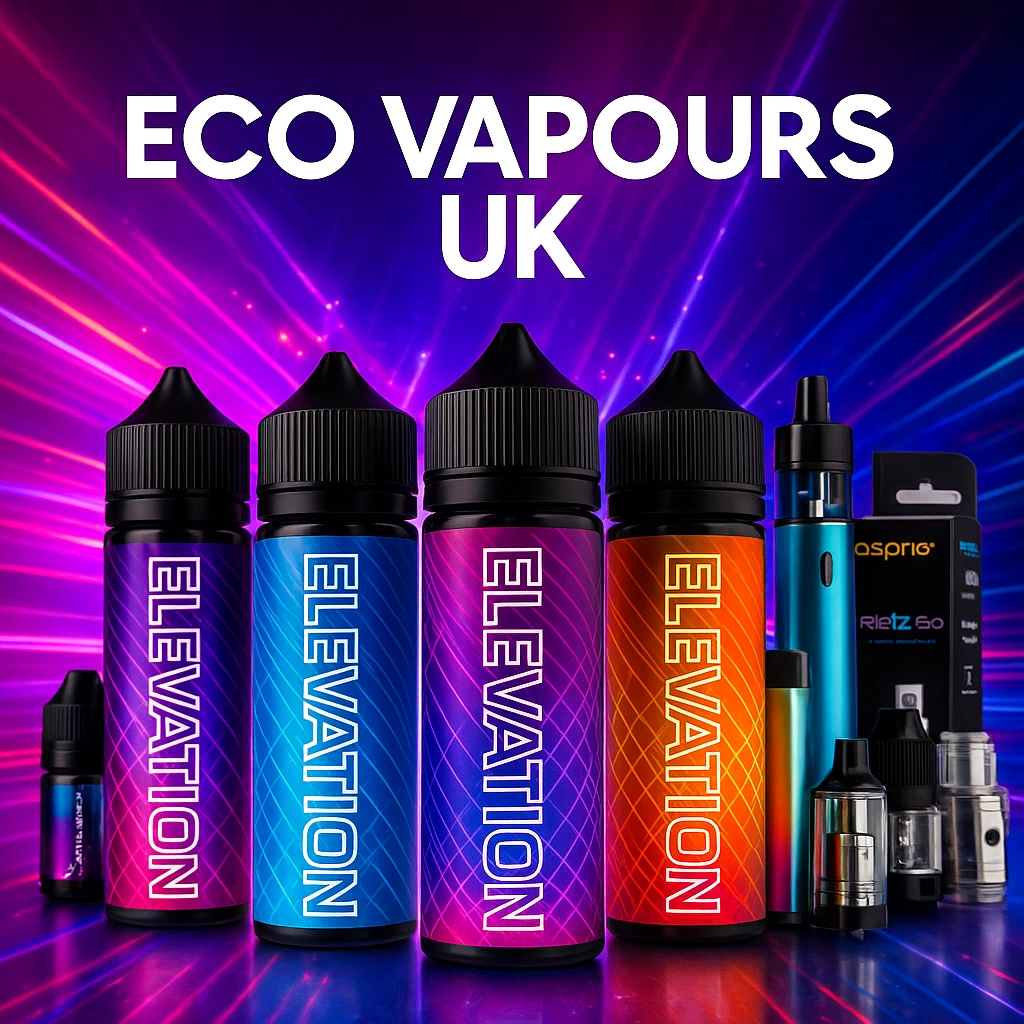
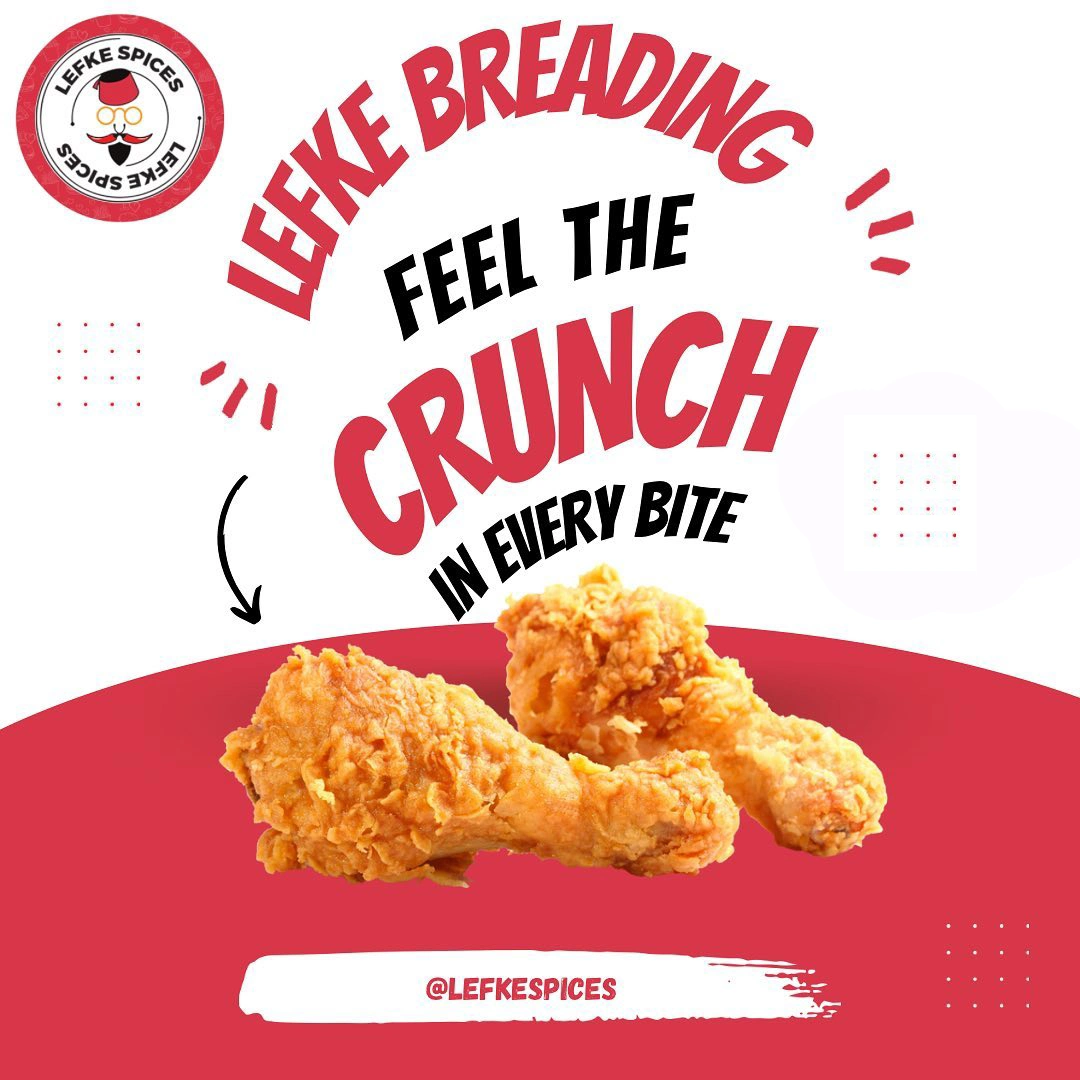
For social media graphics, AI can create layouts faster than a marketer can say 'can we just make it pop'. Give it the platform, size, audience, message and call to action. Then replace any AI generated text with real editable text, because AI spelling can still have a wobble.
For marketing materials, use AI for background ideas, campaign imagery, layout options and supporting graphics. Then apply approved logos, colours, fonts and copy by hand. This is where professional design turns a decent draft into something fit for public view.
AI also helps create campaign variations. A single approved concept can become versions for different locations, services, audiences or buyer stages. That is useful when your team is juggling content, campaigns and customer follow ups without wanting every asset to look rushed.
Writing Effective AI Graphic Design Prompts
Good AI graphic design prompts are clear, specific and visual. A weak prompt gives weak results. It is like asking for directions by saying, 'somewhere near town'. You may get there, but you will probably circle the one way system first.
Use a simple formula. Create a format for an audience to reach a goal. Show the subject or message using a layout, style, colour palette, mood and brand traits. Add technical needs. Say what to avoid.
For example, write this. Create a square social media visual for a UK independent coffee shop promoting a winter loyalty offer. Use a warm editorial photo style with forest green, cream and muted copper. Show takeaway coffee beside a pastry on a wooden table. Leave clear space at the top left for editable headline text. Avoid fake logos, messy text and watermarks.
Change one thing at a time when improving prompts. Adjust the colour, then the layout, then the mood. If you change everything at once, you will not know what improved the result. Keep successful prompts in a shared library so your team can reuse them.
Useful prompt details include the audience, goal, visual style, colour palette, layout direction, brand personality, output format and elements to avoid.
Keeping AI Designs On Brand
Brand consistency is where many AI designs fall down. The output may look nice, but not like you. That is a problem if your business needs trust, recognition and a clear visual identity.
Start with a proper brand reference set. Include approved logo files, colour values, fonts, image examples, illustration styles, tone of voice, layout rules and things the brand should never use. This helps when design assets move between sales, marketing, support and website teams.
A brand prompt library also helps. Create repeatable prompts for product launches, service news, seasonal campaigns, paid ads, presentations and website banners. This keeps your content consistent, even when different people are making it.
Cleartwo also supports brand consistency through brand alignment work, which helps businesses connect design, message and customer experience. That matters because a brand is not just a logo. It is the whole feeling people get when they see you online.
Editing And Polishing AI Designs
AI generated designs usually need editing before they are ready. Check hands, faces, shadows, lighting, repeated patterns, odd objects and strange background details. AI can make a chair with five legs and act like nothing happened.
Typography needs extra care. Replace generated text with real editable text. Use approved fonts, set a clear order and check line spacing. Also check UK spelling, punctuation and accessibility. A design that looks stylish but cannot be read on mobile is not doing its job.
Composition matters too. Make the main focus clear, remove clutter, balance empty space and make the call to action easy to spot. For web development services or ecommerce pages, test how the graphic looks on desktop and mobile before publishing.
Final files need practical checks. Confirm dimensions, resolution, file type, print bleed where needed and source file storage. If your design is going into a wider system, such as a website, CRM, advert account or social scheduler, keep the editable files organised.
Copyright And Licensing For UK Businesses
UK businesses must take copyright seriously when using AI generated images. The UK Government guidance on copyright and artificial intelligence explains that content can infringe copyright if it uses a substantial part of protected work without permission.
In plain English, do not ask AI to copy another business, recreate a known character or produce work that closely copies protected material. Also avoid uploading private client files, personal data or third party assets unless you have permission. It is less exciting than choosing colours, yes, but so is finding parking in Manchester, and both still matter.
Check the AI tool's commercial use terms. Look at ownership clauses, licence rules, data handling, limits, credit rules and whether you can use outputs in paid campaigns. Different tools have different rules, so do not assume one licence covers everything.
Keep an evidence trail. Save the brief, prompts, reference images, source files, licence records, version history and human edits. This is sensible for high value campaigns, regulated sectors and any design linked to trademarks, public figures or recognisable people.
Where AI Falls Short In Graphic Design
AI struggles with exact text, precise type and deep business context. It can create attractive visuals that do not quite match the brief. It can also create generic designs that feel like every other trend online.
Human designers are still vital for brand strategy, original creative direction, logo systems, packaging, complex information design and sensitive campaigns. They understand nuance. They also know when something looks technically fine but feels wrong for the audience.
This matters for IT support for businesses, finance, education, healthcare and professional services, where trust and clarity are essential. AI can support the process, but accountability still needs a human brain in the room.
How Cleartwo Combines AI With Expert Designers
Cleartwo combines AI tools with expert designers by using AI for exploration and production support. Human judgement is then applied to the final work. It is the best of both worlds. Fast ideas, proper finishing.
The process starts with understanding your business, audience, goals and brand. The team then turns that into a practical design brief. AI can help create concepts, mood boards and variations, but Cleartwo designers choose the strongest direction and refine the details.
From there, the work is polished through layout, type, colour, imagery and messaging. Licensing and technical checks are reviewed before delivery. If the project connects to websites, ecommerce or digital marketing, Cleartwo can also link design with wider digital marketing support.
That is the sound approach. Use AI to move faster, not to lower the bar. A design should still be clear, distinctive, accessible and commercially useful.
Practical AI Graphic Design Checklist
Before publishing any AI assisted design, ask direct questions. Does it match the brief? Is it clearly on brand? Are the logo, colours and fonts correct? Is all text accurate and editable?
Also check whether the design is easy to read, accessible and right for the channel. Confirm licences, image rights, people, trademarks and third party assets. Most importantly, make sure a human has reviewed the final artwork. That is the smart move.
Final Thoughts
AI can make graphic design faster, smarter and more flexible. It helps with ideas, layouts, edits and variations. But it still needs human taste, clear brand rules and proper quality checks.
If you want to use AI in your design process without losing the plot, speak to Cleartwo. The team can help you create smarter visuals, protect your brand and keep the whole thing proper, polished and commercially useful.
Frequently Asked Questions
What Is AI Graphic Design?
AI graphic design uses artificial intelligence tools to help create visuals, layouts, images, mood boards and design variations. It works best when guided by a clear brief and reviewed by a human designer.
Can AI Create A Complete Logo?
AI can help create logo ideas, but a finished logo should be refined by a designer. A professional logo needs originality, scalability, correct files and brand consistency.
How Do I Write A Good AI Design Prompt?
Describe the format, audience, goal, subject, style, colours, mood, brand rules and technical needs. Also include what you want the tool to avoid.
Can I Use AI Generated Images Commercially In The UK?
Sometimes, but you must check the tool's licence terms and avoid copying protected work. Keep records of prompts, edits and permissions.
Will AI Replace Graphic Designers?
No, not fully. AI can speed up ideas and production, but human designers are still needed for strategy, originality, brand judgement and final quality control.