Introduction
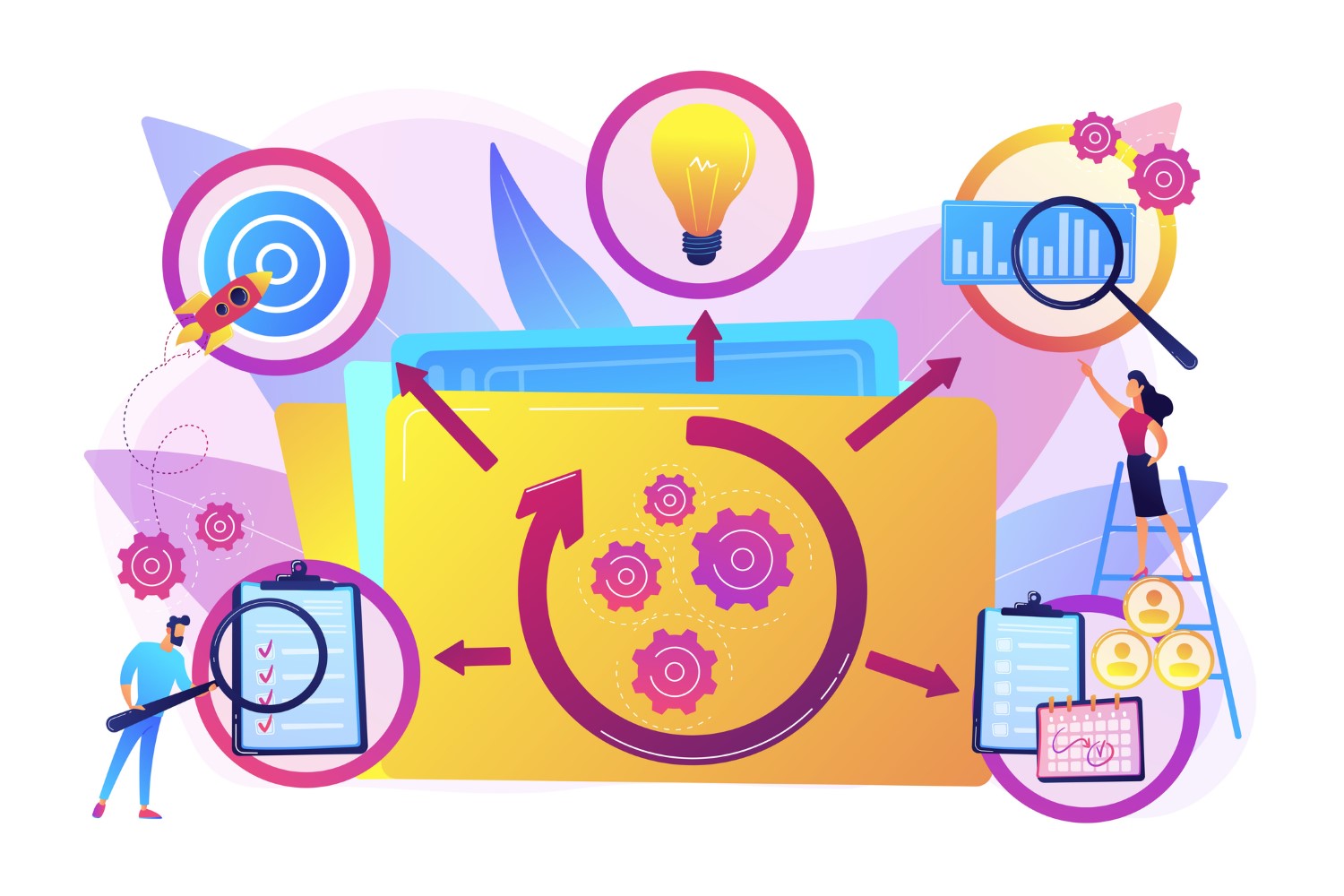
The beginning of every victorious graphic design project is having an idea, but the specific steps one has to follow to get from the idea to a perfect, finished graphic are a good designer’s structured creative workflow. To have a well-defined process that not only increases productivity but also guarantees consistency, quality, and alignment with client or project goals is a digital designer’s greatest asset.
This guide describes the step-by-step creative workflow that designers commonly use to transform the abstract to concrete, such as from conceptualization to final project.
Step 1: Ideation and Brainstorming
The first step is to come up with ideas and look at the big picture. This is the stage of imagination and open-minded reasoning.
Tips:
-
Use mood boards to gather your muse.
-
Sketch your ideas on paper or computer.
-
Think about the target audience, brand guidelines, and project goals.
Tools: Pinterest, Behance, Milanote
Step 2: Research and Planning
Research is the foundation of an informed, relevant, and effective design.
Key Actions:
-
Research competitors and industry trends.
-
Choose color palettes, typography styles, and visual patterns.
-
Specify deliverables, dimensions, and format requirements.
Tools: Google Trends, Adobe Color, Dribbble
Step 3: Wireframing and Layout
Before including details, make a simple framework to perceive the design’s structure.
Tips:
-
Emphasize the arrangement, hierarchy, and symmetry of the pieces.
-
Make sure the text is readable and the ideas flow logically.
-
Be brief; the details will come later.
Tools: Figma, Adobe XD, Sketch
Step 4: Design Execution
At this point, you can realize your design using colors, typography, images, and graphic elements.
Tips:
-
Comply with the proposed style guide.
-
Utilize corresponding color palettes and font types.
-
Incorporate visual hierarchy to lead the viewer’s focus.
Tools: Adobe Illustrator, Photoshop, Affinity Designer, Canva
Step 5: Review and Feedback
Constructive criticism is essential to improve the design and confirm it is up to the mark.
Tips:
-
Share with the team, clients, or peers.
-
Ask specific questions about clarity, alignment, and visual appeal.
-
Take notes and make the alterations promptly.
Tools: InVision, Frame.io, Slack
Step 6: Revisions and Polishing
After feedback, make necessary adjustments to elevate the overall quality.
Key Actions:
-
Edit colors, padding, and typography.
-
Repair any misalignments or inconsistencies.
-
Optimize graphics for print or digital formats.
Tools: Photoshop, Illustrator, Affinity Designer
Step 7: Delivery and Export
The last step is the delivery of the polished graphic in the right formats for the purpose of its intended use.
Tips:
-
Export files in usable formats (JPEG, PNG, SVG, PDF).
-
Check that the resolution and dimensions meet the project requirements.
-
Include any source files for client use if necessary.
Tools: Adobe Acrobat, Illustrator, Canva
FAQs About Creative Workflow
Q1: Why do designers need a workflow?
A: A workflow ensures that designers have uniformity, are effective, and create high-quality products and thus, no steps will be missed and miscommunication.
Q2: What is the ideal time for a design project?
A: The time varies according to the project scope, complexity, and customer requirements, but a structured workflow helps you manage time effectively.
Q3: How can I address client feedback that contradicts design principles?
A: Simply convey your design rationale, provide other options, and try to reach an agreement between client interests and your professional credo.
Q4: Is it possible for a single designer to go through the whole workflow?
A: Yes, though collaboration may include specialists such as UX designers, illustrators, and copywriters on different stages.
Q5: Can creative workflows operate without digital tools?
A: Digital tools are not essential, but they are a good deal faster and are more flexible than traditional methods.
Conclusion
An effective creative workflow is the one that takes the raw material of the idea and turns it into a high-quality visual product. By following the systematic steps—ideation, research, wireframing, execution, feedback, revision, and delivery—designers can create assets that are not just beautiful or attractive but also functionally relevant as well as conform to the requirements set by the project.
Get the hang of the creative workflow and not only will you be more effective, but your designs will always convey the desired message, and in this way, they will digitally impact the audience.