How To Go Live On TikTok Shop
To go live on TikTok Shop, you need an approved TikTok Shop account, a connected TikTok profile, live access, products ready to sell, and a clear plan for product links, sound, video, comments, and orders. The setup can feel confusing at first. Most sellers do not struggle because TikTok Shop Live is hard. They struggle because the steps are not clear.
Here's the thing. Going live is not just pressing a button and hoping people buy. The brands doing well in 2026 treat TikTok Shop Live like a real sales channel. They plan the products, prepare the host, track the numbers, and repeat what works each week.
If you want help building the wider ecommerce and marketing system behind your live selling, Cleartwo supports UK brands with digital growth, ecommerce setup, automation, and marketing strategy. Your TikTok Shop activity should not sit on its own. It should become part of a stronger revenue system.
Why TikTok Shop Live Selling Works
TikTok Shop Live selling works because it brings product demos, trust, questions, social proof, and checkout into one place. Shoppers can watch a product in use, ask questions, see real reactions, and buy without leaving the app.

The real talk is simple. Product pages are useful, but live selling adds trust and urgency. A host can show sizing, compare colours, explain delivery, answer doubts, and repeat offers in real time. That helps buyers feel more confident.
This works well for fashion, beauty, homeware, gadgets, accessories, and fast moving products. It is also useful when a product needs a short demo before people understand its value.
For ecommerce brands, the sales formula is easy to understand. More live viewers, a better conversion rate, and a higher average order value can increase gross merchandise value. Gross merchandise value means the total value of products sold through your stream.
TikTok Shop Live Requirements
Before you go live on TikTok Shop, check that your account is eligible. TikTok rules can change, so always review your own Seller Centre and account notices before planning a major campaign.
In most cases, sellers need a TikTok Shop account, completed business checks, approved product listings, a connected TikTok account, and access to live features. Creators may use a different route through affiliate access. This means they promote products from a seller and earn commission when viewers buy.
You also need to be old enough to use live commerce features. You must follow TikTok community rules and TikTok Shop policies. Product safety matters too. If you sell cosmetics, supplements, electrical goods, toys, or other regulated items, check the relevant UK rules before you stream. The UK product safety guidance is a useful starting point.
Seller And Creator Paths
A seller usually owns or manages the TikTok Shop. They control stock, pricing, vouchers, fulfilment, returns, and customer service. A creator usually promotes products through affiliate links and earns a commission from sales.
Both routes can work. The difference is control. Sellers have more control over profit and fulfilment. Creators can move faster if they already have an audience that trusts them.
Set Up TikTok Shop Product Links
Your products need to be ready before you go live. Do not expect a stream to fix weak listings. Add your products to TikTok Shop, then check the images, prices, stock, shipping details, returns, and descriptions.
Next, build your live showcase. This is the list of products you want to sell during the broadcast. Think of it like your live selling shelf. Do not add every product you own if it makes the stream messy.
Choose a focused product mix. Start with one hero product, two or three supporting items, and a few simple add ons. A skincare brand could lead with a bundle, then show cleanser, serum, moisturiser, and travel size extras.
If you sell across Shopify and TikTok Shop, make sure your stock and tracking are clean. You can explore ecommerce setup support through Cleartwo ecommerce solutions if your product data, fulfilment, or platform setup needs improving before live selling.
Schedule And Promote Your TikTok Shop Live
Scheduling your TikTok Shop Live gives people time to show up. A live stream with no promotion can still get views, but a planned live normally starts stronger and gets better early engagement.
For many UK shop owners, evenings work well. People are home, relaxed, and scrolling. Test times such as 7 pm to 9 pm on weekdays. Then test late afternoon or evening at weekends. Do not keep guessing. Test, track, and adjust.
Promote the live at least one day before. Post a short teaser with the product, the offer, and the reason to attend. Then remind people about two hours before you go live. Keep the message simple. Tell them what they will see and why it is worth joining.
You can also promote through email, SMS, TikTok posts, paid social, and ecommerce marketing campaigns. This is where AI marketing tools, CRM systems, cloud CRM data, and business automation can help. If someone bought a related item last month, your system can remind them about the live without your team chasing every customer by hand.
Prepare Your Audio And Video Setup
You do not need a full studio to start. But poor sound, bad lighting, and weak internet will damage trust. People may accept a simple setup. They are less patient when they cannot hear you or see the product clearly.
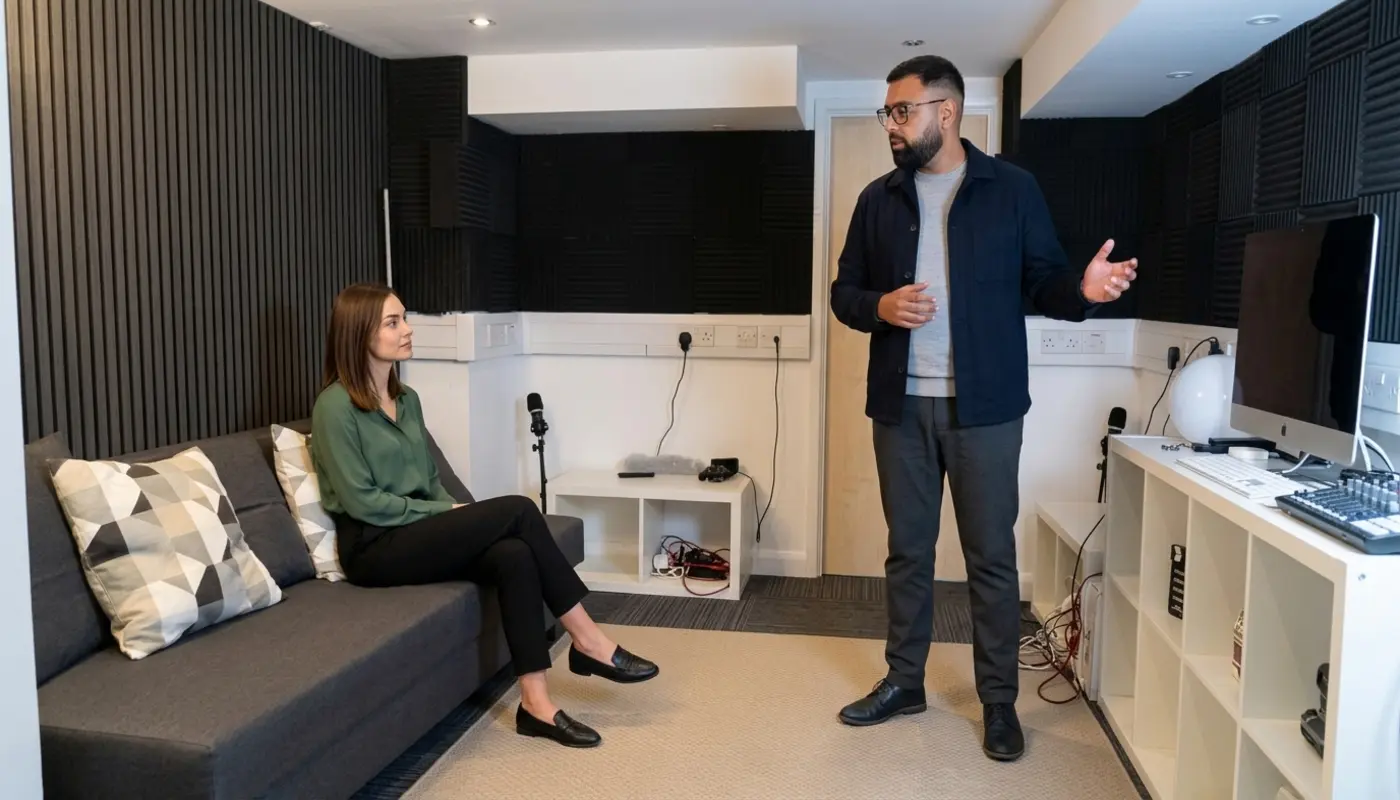
Start with a good smartphone, a stable tripod, a clean background, strong front lighting, and a dedicated microphone. A small clip mic can make a big difference. Audio matters more than many live sellers realise.
If you sell beauty, fashion, jewellery, or home products, add another light for close ups. This helps viewers see labels, textures, colours, and small details.
Check your internet before every stream. Use a strong broadband connection where possible. Avoid crowded public networks. Bigger teams may later use desktop live tools, extra cameras, and streaming software. That is not the priority on day one. It becomes useful when live selling starts to bring steady revenue.
Start Your TikTok Shop Live Stream
To start your TikTok Shop Live from the app, open TikTok, tap the create button, choose Live, add your title and cover image, review your settings, add products, and tap Go Live when ready. If the Live option does not appear, your account may not meet the current rules.
Use a clear title. Do not write something vague like New live today. Say what people will get. For example, UK Beauty Deals Live Tonight or Winter Jackets Try On And Discounts.
Before you start, set up moderation. Add a trusted moderator if you can. Set comment filters for spam, rude words, or repeated low quality comments. This keeps the room focused and helps the host stay calm.
During the stream, pin the product you are talking about. Product pinning puts the item in front of viewers, so they do not need to search. Pin again when you move to a new product, repeat an offer, or answer a question about that item.
We worked with a small product brand that had good views but weak sales. The product was not the issue. The host was not pinning items at the right time. Viewers did not know where to click. Once the team set a clear product order and repeated the buying steps, the stream became much easier to follow.
Turn Viewers Into Buyers
Good engagement is not shouting buy now every few seconds. It means helping people understand the product, trust the offer, and feel ready to buy while the live is still running.
Open with energy. Welcome viewers, introduce the brand, explain the offer, and tell people how to buy. Some viewers will be new to TikTok Shop. Explain the basket and checkout process in a simple way.
Then move into demos. Show the product in use. Compare sizes. Show packaging. Mention delivery times. Read reviews. Answer common doubts before they stop people from buying.
If you want a deeper view of what works on the platform, the TikTok Shop tactics that work right now article breaks down practical moves sellers can use across content and selling.
Simple Live Conversion Triggers
- Clear product demo
- Live only voucher
- Limited stock alert
- Fast answers to questions
- Proof from reviews
- Simple checkout prompts
- Strong closing recap
Use urgency with care. A real limited offer works. Fake pressure damages trust. If you say only fifty units are available, make sure that is true.
Handle Orders And Comments In Real Time
A busy TikTok Shop Live can move quickly. Comments, orders, stock questions, sizing questions, and delivery concerns can arrive at the same time. This is where you need clear roles, not panic.
For a small brand, the basic team is a host and a moderator. The host sells and demonstrates. The moderator answers simple questions, flags key comments, removes spam, and keeps the room clean.
If you have more people, add an order manager. This person watches stock, checks order spikes, notes common questions, and alerts the host if a product is selling fast. Then the host can say, We have twenty left in medium, with confidence.
Prepare answer snippets before the live. Write short replies for delivery times, returns, sizing, ingredients, materials, warranty, and payment questions. This saves time when the stream gets busy.
Review TikTok Shop Live Performance
Do not judge a live stream only by how it felt. Some streams feel quiet but sell well. Others feel busy but bring weak sales. Data helps you cut through the noise.
Track viewers, peak viewers, average watch time, product clicks, conversion rate, orders, revenue, voucher use, refund issues, and gross merchandise value per hour. Also note which products created the most comments and which ones people ignored.
A TikTok Shop live stream analytics dashboard can be useful here. It can connect live data with web analytics, CRM data, and sales reports. For growing teams, marketing analytics dashboards help turn scattered numbers into decisions your team can actually use.
Look for patterns. Did the first twenty minutes sell better than the last hour? Did vouchers work better after a demo? Did one host perform better than another? These details help you improve week by week.
Build A Consistent Live Selling Schedule
One live is a test. A regular schedule is a sales system. Sellers growing in 2026 are not relying on random streams. They are building habits with their audience.
Start with two or three lives per week if your team is small. Keep each session at least sixty minutes. This gives TikTok time to find viewers and gives your host time to warm up the room. Once you prove the model, move towards three to five lives per week.
Create themes. Monday can be new arrivals. Wednesday can be demos and questions. Sunday can be bundles and offers. This makes planning easier and gives viewers a reason to return.
Do not repeat the same product for hours unless it keeps selling. Rotate product groups. Test price points. Try bundles. Use live feedback for product planning and stock decisions.
Also think beyond TikTok. Strong live selling connects with web development, ecommerce marketing, IT support, IT security for SMEs, custom CRM systems, and AI driven solutions. When these areas work together, you build a stronger operation, not just a busier TikTok account.
Final TikTok Shop Live Checklist
Before your next stream, lock in the basics. Confirm eligibility, prepare your products, test your setup, promote the live, brief your team, and decide what success looks like.
- Check TikTok Shop approval and live access
- Review product listings, prices, stock, and delivery details
- Choose your hero product and supporting items
- Build your live showcase
- Test phone, lighting, microphone, and internet
- Prepare your live title and cover image
- Set comment filters and assign a moderator
- Promote the live before the event
- Pin the right product at the right time
- Track sales, clicks, watch time, and conversion rate after the stream
TikTok Shop Live rewards sellers who show up often, learn from data, and treat viewers like real customers. Start simple. Improve each week. Build a live selling process your business can scale.
If your TikTok Shop Live setup is growing but the systems behind it feel messy, Cleartwo can help you connect the ecommerce, data, marketing, and automation side properly. Let's get this sorted so your live selling has the support it needs behind the scenes.
Frequently Asked Questions
Why Can I Not Go Live On TikTok Shop?
You may not meet the current live access, age, account, or TikTok Shop eligibility rules. Check your TikTok app and Seller Centre for account specific notices.
Do I Need Followers To Go Live On TikTok Shop In The UK?
Follower rules can depend on your account type and TikTok's current policies. Some accounts need standard live access first. Approved sellers may see different options inside TikTok Shop.
How Long Should A TikTok Shop Live Last?
For most sellers, sixty to one hundred and twenty minutes is a strong starting point. Longer streams can work once you have enough products, team support, and viewer demand.
Can I Pin Products During A TikTok Shop Live?
Yes. If your shop and products are set up correctly, you can pin products during the live. Pin the item you are discussing so viewers can tap, view details, and buy while watching.
What Should I Track After A TikTok Shop Live?
Track viewers, watch time, clicks, orders, conversion rate, voucher use, revenue, and product level performance. These numbers show what to repeat and what to fix before your next stream.