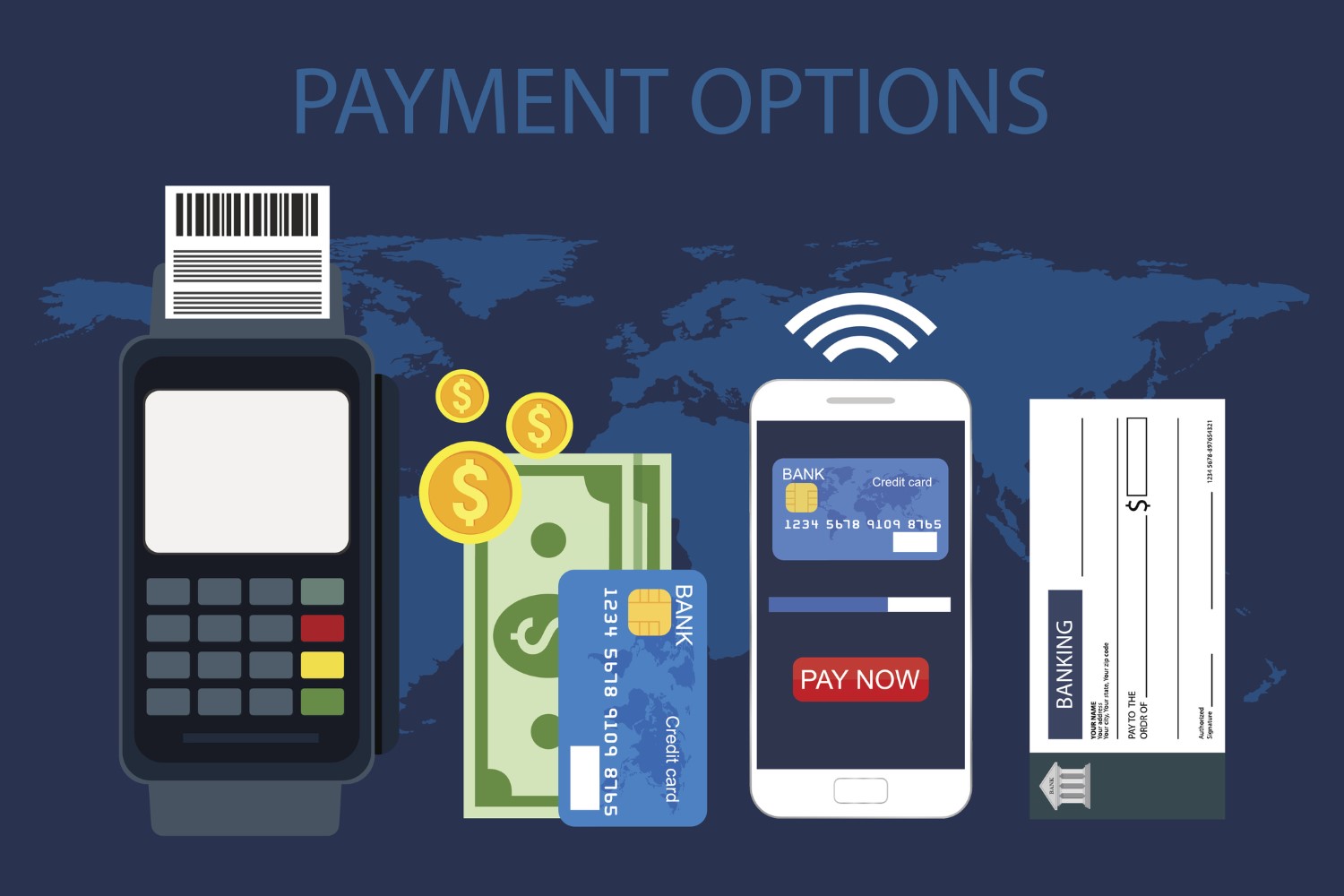
Introduction
The most important factor of your business when running a Shopify store is how you accept payments. A right payment gateway makes it beyond easier for customers to shop on your store, thus increases your customers’ trust and conversion rate. For the purpose of this guide, we will be taking a look at Shopify’s payment traits and helping you find the right payment method for your store.
1. Shopify Payments
Shopify Payments is Shopify’s built-in payment gateway. It is a personalized method of accepting the orders online where customers pay directly to you without a need to establish a third-party provider's account.
Pros:
-
You do not pay any transaction fees other than the standard credit card fees.
-
Several payment methods for support (credit cards, Apple Pay, Google Pay).
-
You can manage this payment option without leaving your Shopify dashboard.
Considerations:
-
This feature is not available in every country.
-
You need to fulfill Shopify’s requirements before you are eligible to use it.
2. Third-Party Payment Gateways
Shopify facilitates 100+ third-party gateways all over the world like PayPal, Stripe, Authorize.Net, and Square.
Pros:
-
You can use your own payment provider.
-
You can access regional payment methods that are not supported by Shopify Payments.
Considerations:
-
You may have to pay for extra transaction fees (in addition to the gateway fees).
-
Setup might involve creating accounts with the provider and linking them to Shopify.
3. Digital Wallets
A lot of customers prefer digital wallets for a fast and secure checkout. Shopify supports popular wallets like:
-
Apple Pay
-
Google Pay
-
Shop Pay
Pros:
-
This method will be quicker and easier on the mobile.
-
It can help with cart abandonment.
Considerations:
-
Some wallets may not be available in certain regions.
-
It requires Shopify Payments or a supported third-party gateway.
4. Manual Payment Methods
For businesses that operate in niche markets or want to offer offline payment options, Shopify allows manual payments like:
-
Cash on delivery (COD)
-
Bank deposits
-
Money orders
Pros:
-
No credit card fees.
-
Local or high-trust transactions are good.
Considerations:
-
Manual verification and fulfillment require.
-
Not suitable for large-scale or fully automated online stores.
5. Cryptocurrency Payments
Shopify also allows merchants to accept cryptocurrencies using third-party apps like Coinbase Commerce or BitPay.
Pros:
-
You can access a new, tech-savvy audience.
-
You may have potentially lower fees compared to traditional methods.
Considerations:
-
Cryptocurrency values are volatile.
-
Not mainstream; adoption may be limited.
Conclusion
The right payment options for your Shopify store are key to making it easy for customers to check out and reducing the fees. In most cases, Shopify Payments is the perfect solution for merchants as it is simple and straight forward. Although third-party gateways, digital wallets, manual payments, and cryptocurrencies are also ability to the merchants, they provide flexibility. For the best combination, consider your target audience, your business model, and your location.
FAQs
1. Is Shopify Payments available worldwide?
No, Shopify Payments is only available in certain countries. Refer to Shopify’s website for the list of supported regions.
2. Do I have to use Shopify Payments?
No, you can use third-party payment gateways, manual payments, or a combination of options.
3. Are there fees for using third-party payment gateways?
Yes, most of the third-party gateways will charge you a transaction fee and a standard credit card charge.
4. Can I accept digital wallets like Apple Pay or Google Pay?
Yes, Shopify supports these wallets if you use Shopify Payments or a compatible third-party gateway.
5. Can I accept cryptocurrency on Shopify?
Yes, you can using apps like Coinbase Commerce or BitPay to accept a variety of cryptocurrencies.