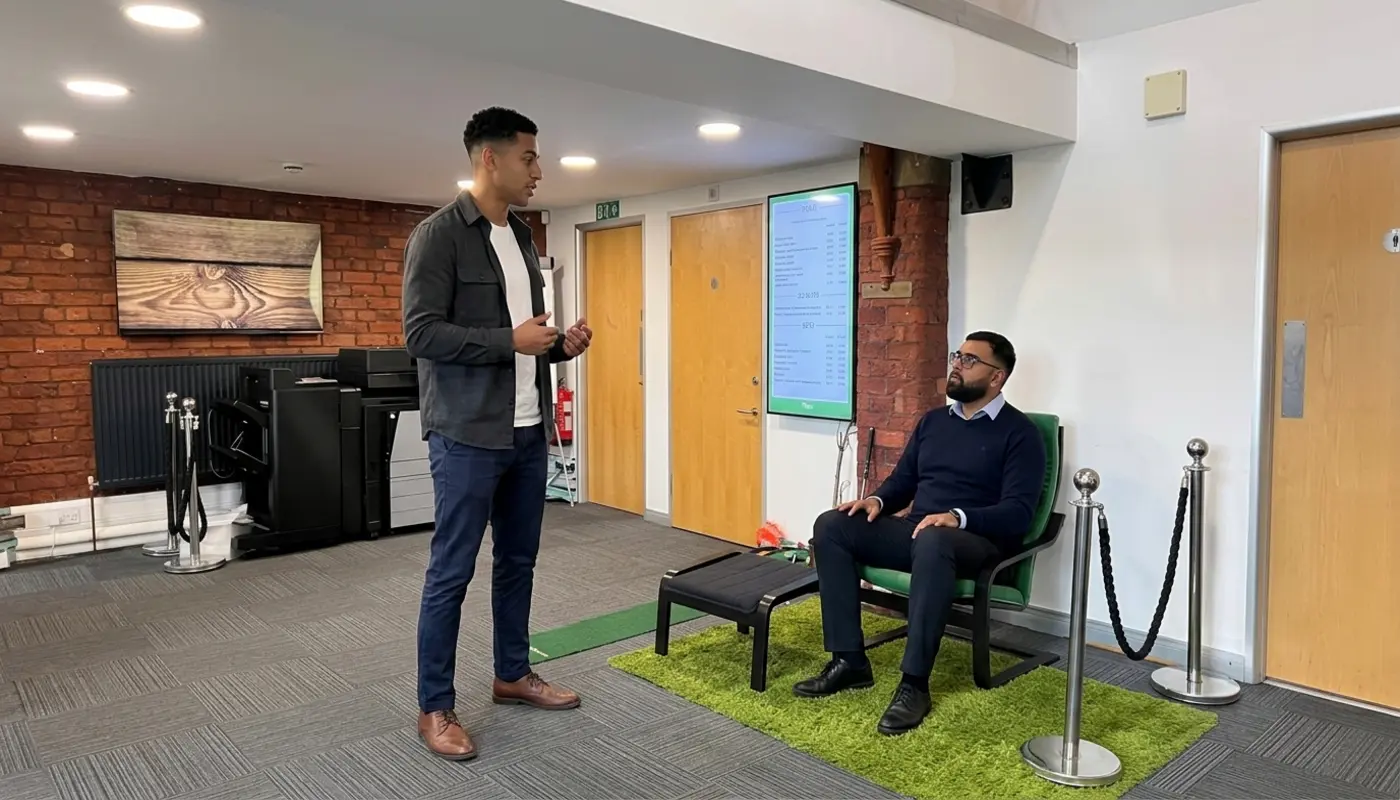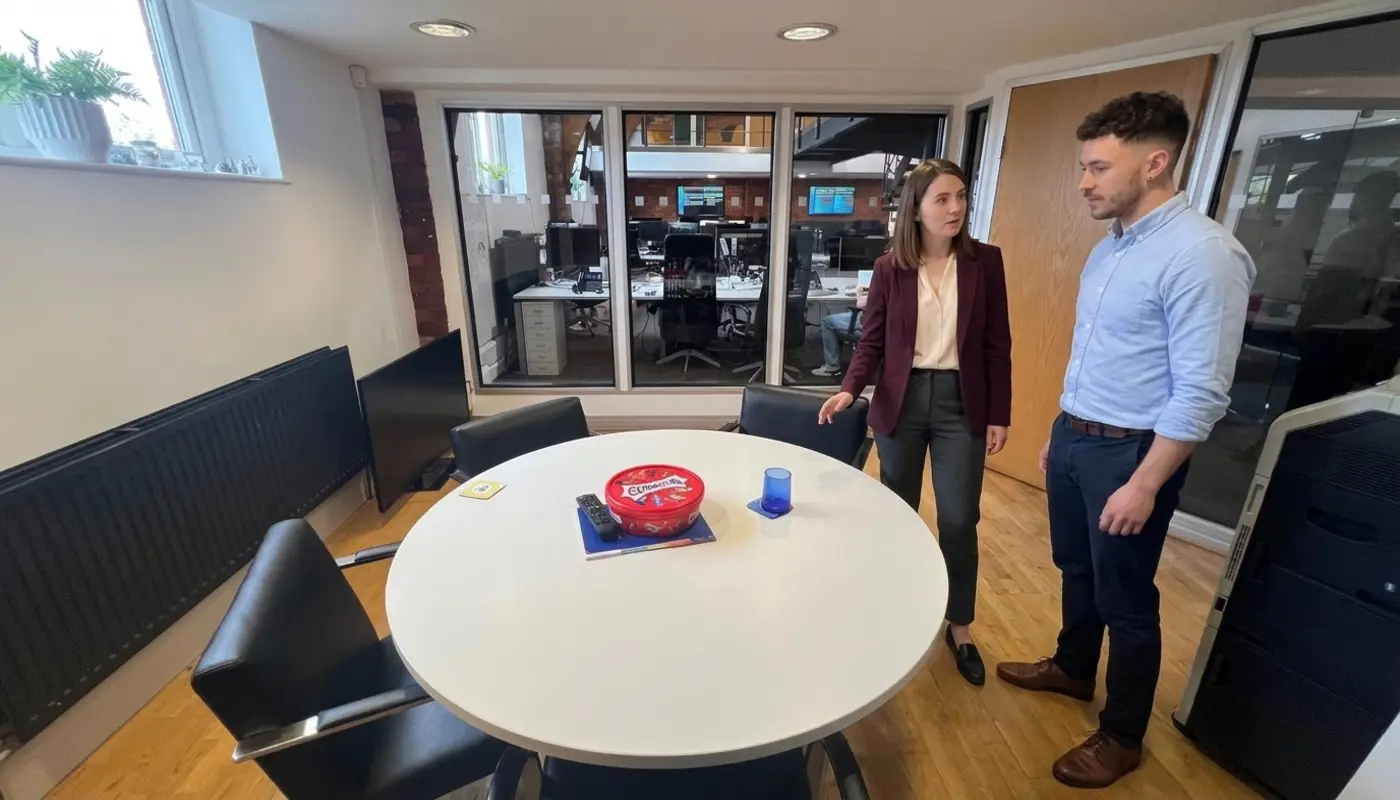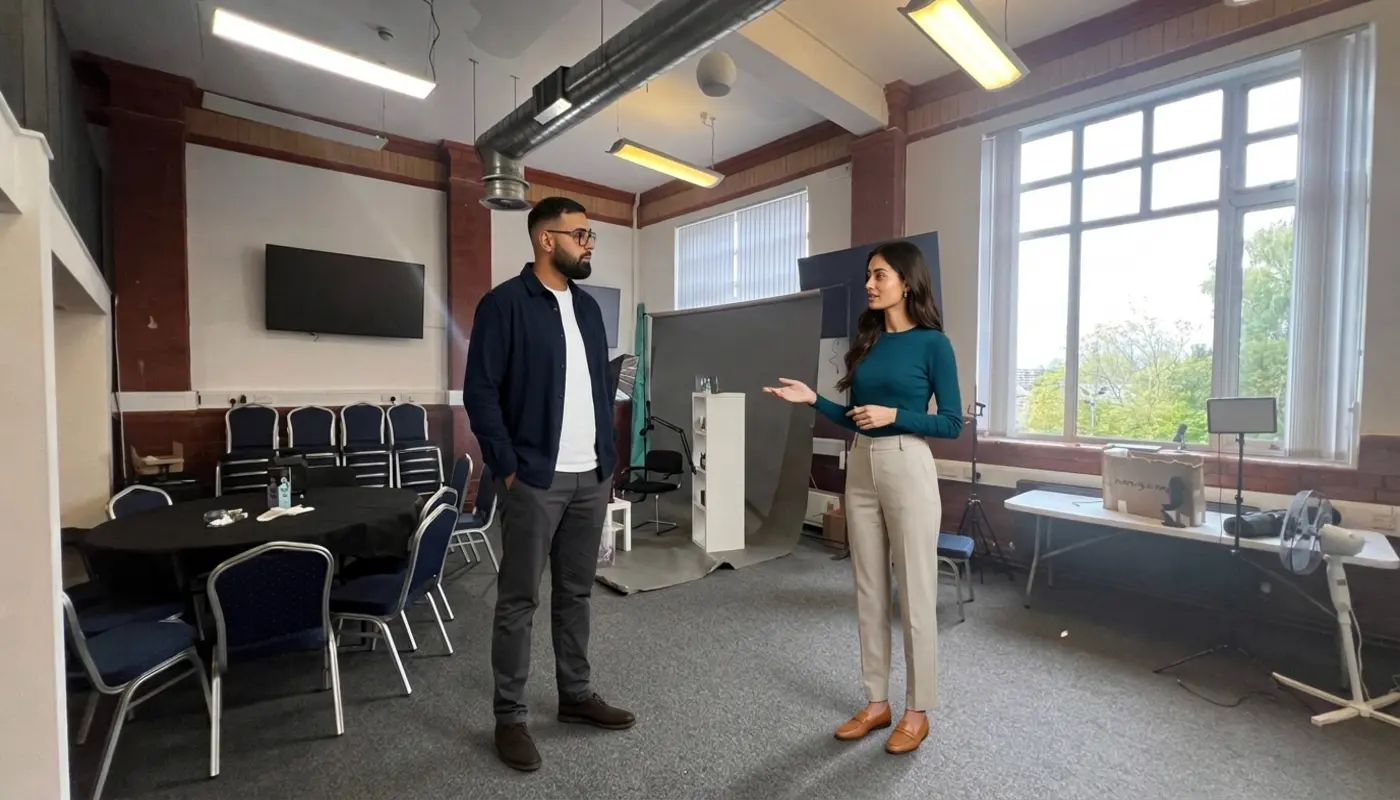
Images Build Trust
Images build trust because they show visitors what your business really offers. They grab attention, explain ideas quickly, support your brand and help people decide whether to enquire, buy or leave. A website with poor images looks lazy. Visitors do not usually reward lazy with their money.
For UK businesses, images are not just decoration. They are proof. They show your work, your people, your products and your standards. If your website still uses blurry photos, stretched banners or stock images of people pointing at laptops like they have discovered fire, come on. You can do better. Cleartwo helps businesses improve this through smart design, better content structure and conversion focused websites. You can explore this through Cleartwo digital solutions.
Website Images Do More Than Look Nice
A good website image does more than sit there looking pretty. It helps visitors understand your business faster than text alone. A strong visual can show what you sell, who you help and why someone should trust you within seconds.
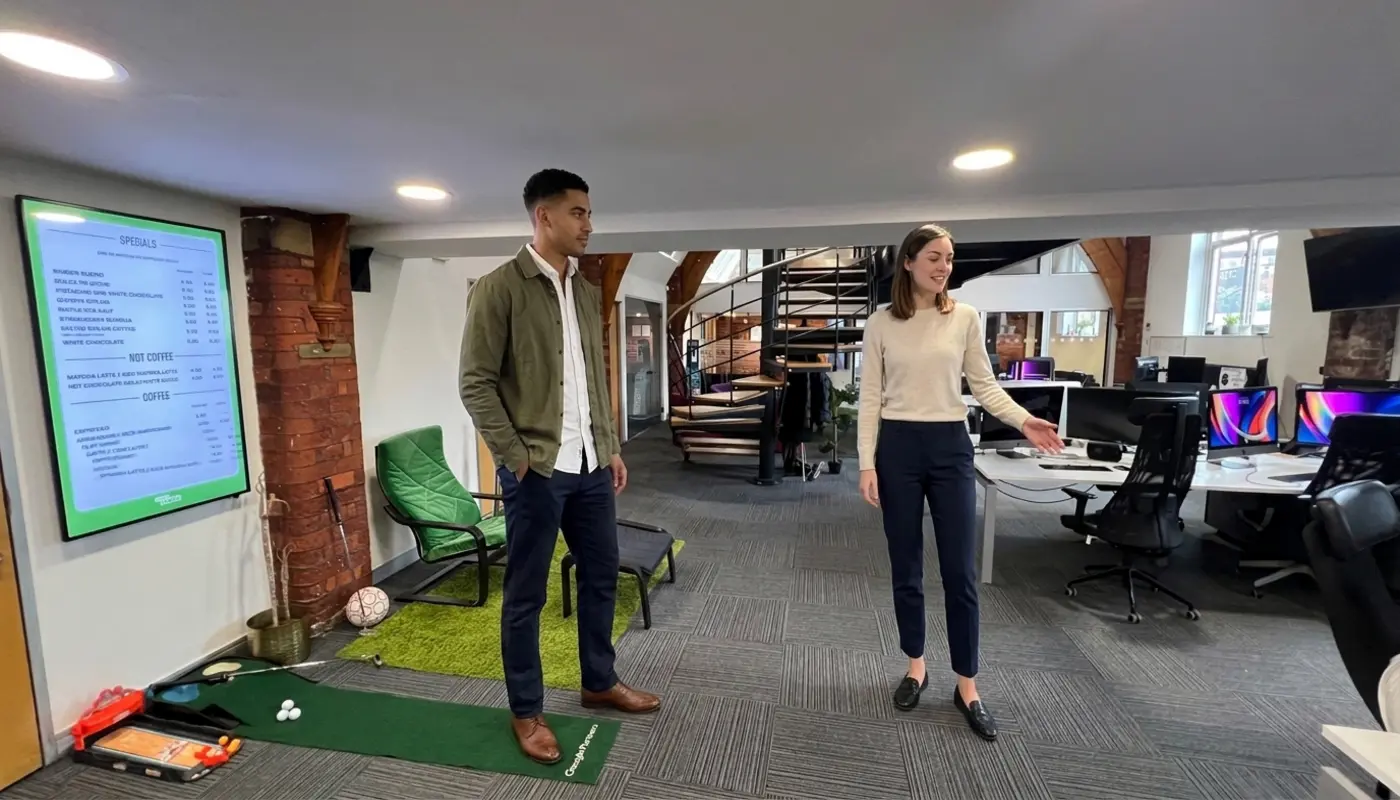
Let's be real. Most people do not arrive on your website with a cup of tea and a deep wish to read every word. They scan. They judge. They decide quickly whether your business looks credible or painfully out of date.
Good visual content gives visitors useful clues. A builder can show finished projects. A restaurant can show real food and atmosphere. A consultancy can show its team, workshops or client settings. An ecommerce store can show clear product detail. That visual proof reduces doubt. Doubt quietly kills enquiries.
This is where website user experience comes in. Images guide the eye. They break up long pages. They help people move through content without feeling like they have been handed a council tax form. Used well, images make a page easier to read and easier to act on.
Why Are Images Important on a Website
Why Are Images Important on a Website is a simple question with a simple answer. Images help people understand, trust and act faster. They support search visibility, page quality, accessibility and sales when they are relevant, sharp and quick to load.
Images also make your message easier to remember. A visitor may forget a long block of text. They are more likely to remember a clear product photo, a real team image or a strong before and after example.
Bad images do the opposite. They create doubt. They make a brand look careless. They slow the page down. Straight up, poor visuals cost more than most businesses realise.
How Images Shape First Impressions
Images shape first impressions because visitors judge your business by what they see first. That may feel unfair. Tough. It still happens.
If your homepage image is pixelated, irrelevant or painfully generic, people make assumptions. They assume your service may be just as careless. Obviously, that may not be true. But online, perception gets a vote before reality even enters the room.
A strong first impression comes from images that are sharp, relevant and consistent. The main image should match the message beside it. If you say you are a premium architectural firm, do not show a random skyline that looks like it came free with a presentation template. Show your work. Show detail. Show intent.
Government backed accessibility advice also supports the idea that visual content should help users understand a page, not distract from it. For practical UK checks, GOV.UK accessibility guidance gives useful checks for images, text alternatives and readable layouts.
How Images Keep Visitors Engaged
Images keep visitors engaged by making content easier to scan, easier to understand and more enjoyable to browse. That matters because bored visitors leave.
Good imagery creates a clear order on the page. The visitor knows where to look first, what matters most and what to do next. Large images can introduce a service. Smaller images can support benefits, case studies or process steps.
For example, a solicitor's website may use calm team photography near service pages. A trades business may use project images near testimonials. A software company may use screenshots, diagrams and simple interface visuals to explain cloud CRM, custom CRM systems or business automation without drowning readers in tech waffle.
Images also help with memory. People remember visuals more easily than long blocks of copy. If your website is full of dense text with no useful imagery, you are asking visitors to work too hard. That is not a strategy. That is a patience test.
Building Trust With Real Website Images
Real website images build trust because they show evidence of your business. They feel more believable than a polished stock photo that could belong to any company, anywhere.
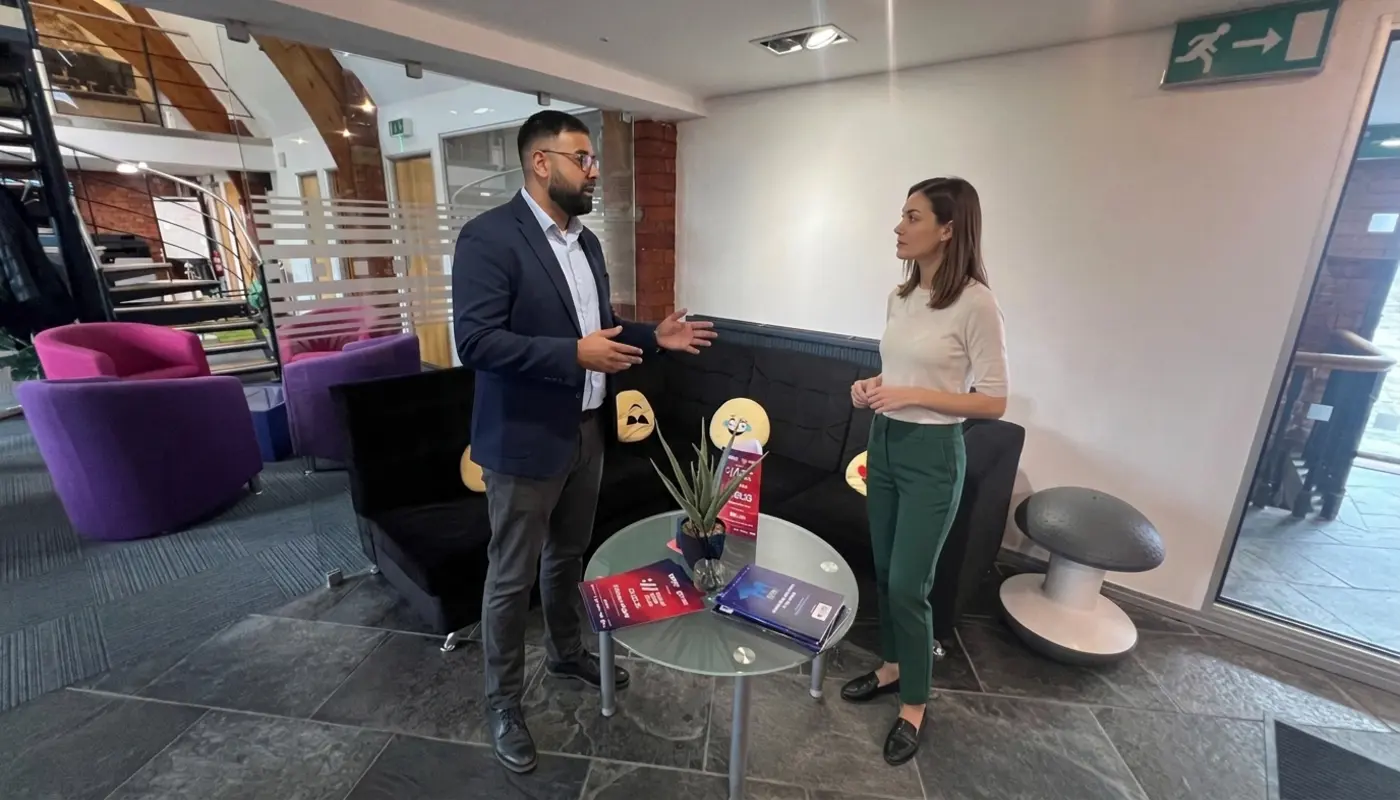
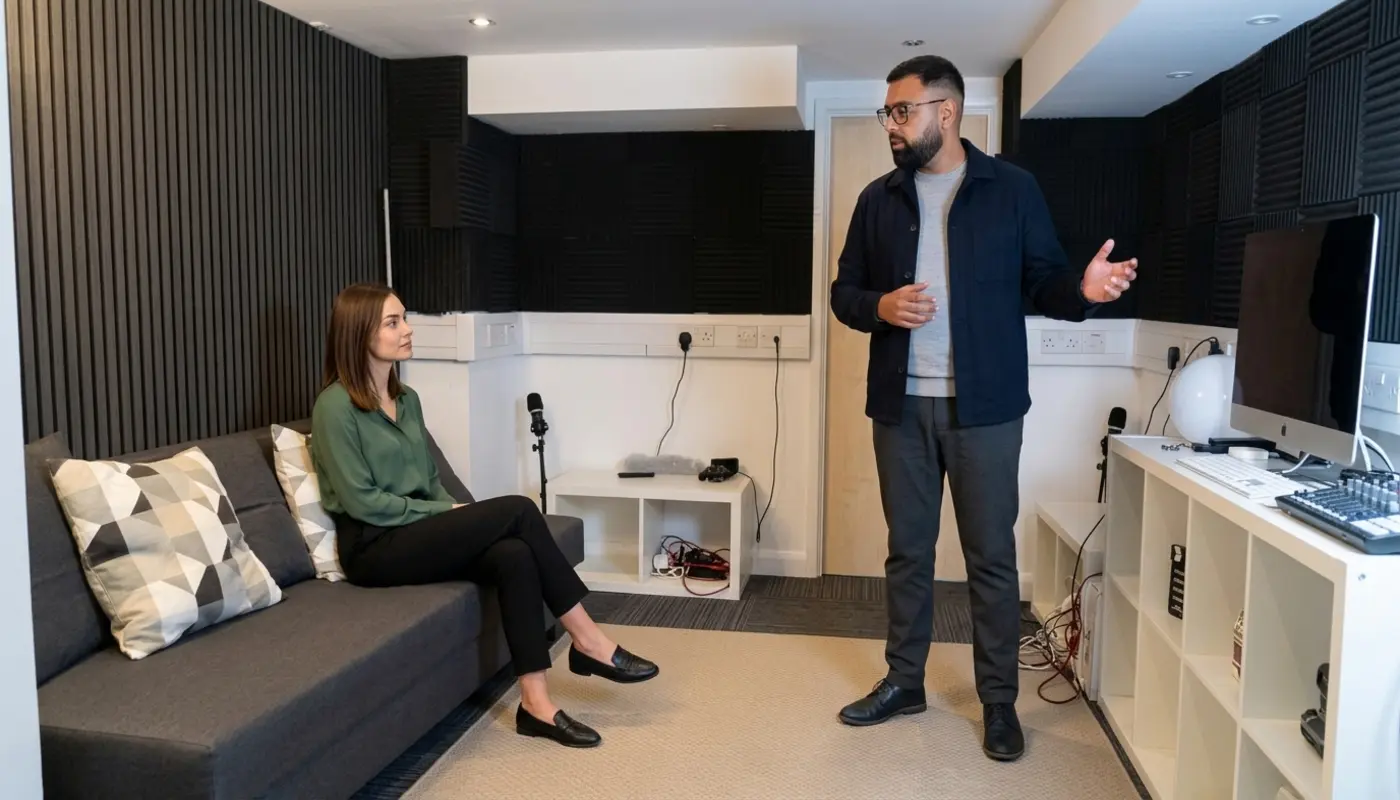
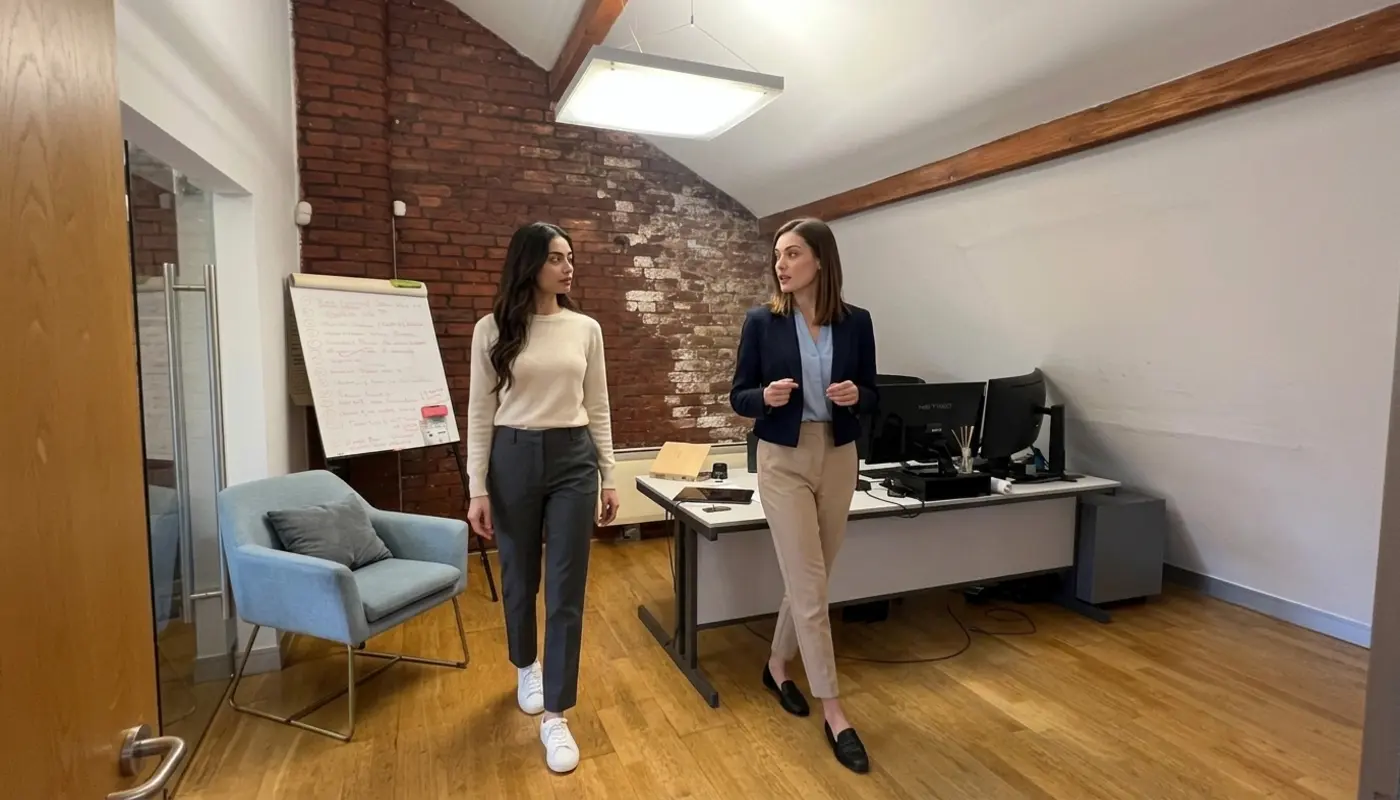
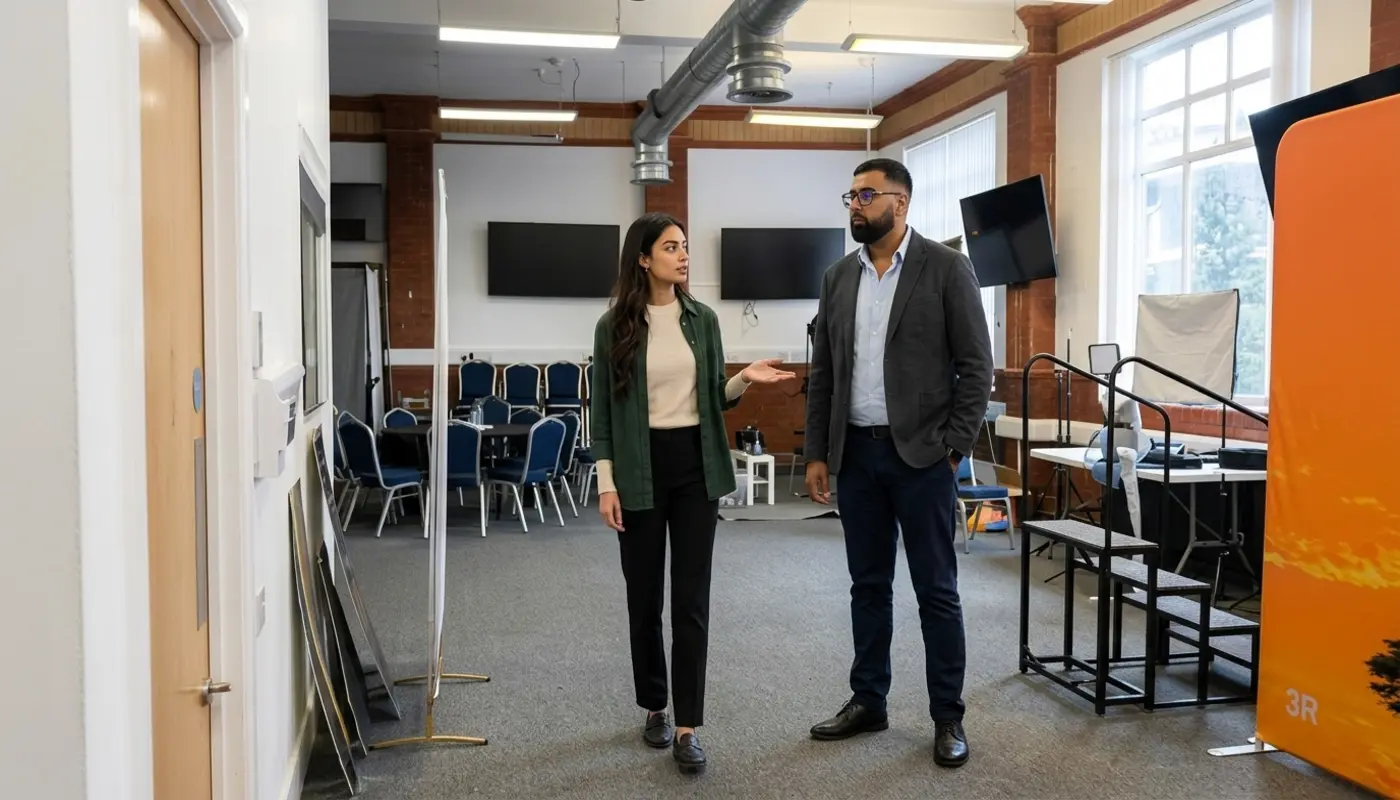
Original business photography can show your team, premises, products, equipment, customers, packaging or completed work. It makes your business feel real. That matters for local firms, trades, professional services, hospitality, healthcare related businesses, property companies and business suppliers.
Stock photography is not evil. Cut the nonsense. Sometimes it is useful for blog headers, abstract ideas or short campaigns. But if every image on your site looks like it could belong to anyone, your brand disappears. You become wallpaper.
The best approach is usually a mix. Use original images where trust matters most. This includes homepages, about pages, service pages, case studies and product pages. Use stock only when it supports the message and does not pretend to show your actual team or workplace.
How Images Support Brand Identity
Images support brand identity by making your business look consistent, clear and easy to recognise across every page. Your brand is not just a logo. It is the full impression people get from your colours, words, layout and visuals.
If one page uses dark premium photography, another uses bright cartoon drawings and another uses random stock images from 2012, your website feels confused. Confused visitors do not convert well. They pause. Then they disappear.
Strong image rules help. Decide on lighting, colours, cropping, subject matter and style. A premium brand may use clean, spacious photography. A friendly local business may use warm, people focused images. A technical company may use screenshots, diagrams and product visuals to show skill.
This also matters for digital marketing solutions, AI driven solutions and AI marketing tools. Do not just slap futuristic blue robot heads everywhere. Use visuals that explain outcomes, not clichés.
Images And Website Conversions
Images improve conversions when they reduce doubt and support the next action. The right image can make someone more comfortable submitting a form, booking a call, buying a product or visiting your premises.
Every important image should have a job. A hero image should confirm relevance. A product image should show detail. A case study image should prove results. A team image should build confidence. A process graphic should explain what happens next.
For ecommerce marketing, product photography is unforgiving. If visitors cannot see texture, scale, colour or detail, they pause. If they pause too long, they leave and buy somewhere else. Straight up, poor product images are expensive.
Service businesses need the same discipline. A page selling web development services should not rely only on abstract code graphics. Show outcomes, interfaces, before and after examples or real work where possible. Cleartwo applies this kind of visual thinking through website design and development services that focus on how visitors behave, not how someone in a boardroom hopes they behave.
Images And SEO
Images support SEO when search engines can understand them in context. Search engines look at image placement, file names, alt text and surrounding page content. No, adding a random image does not magically push you to page one. Stop pretending SEO works like that.
Image SEO starts with clear file names. A file called IMG 4821 tells Google and users nothing. A short file name that describes the image is better. Keep it accurate and relevant. Do not stuff keywords into every file name like it is 2009.
Alt text is also important. Alt text is a written description used by screen readers and search engines when an image needs a text option. Good alt text describes the image in context. If the image shows a Manchester restaurant interior with customers dining, say that. Do not write best restaurant UK cheap food amazing restaurant image. That is not optimisation. That is digital vandalism.
Images should sit near relevant text. If a photo shows a completed kitchen installation, place it near the section that explains that service. Search engines need context. So do humans. Funny how often those two things overlap.
Page Speed And Image Optimisation
Image optimisation matters because oversized images slow websites down, especially on mobile. Once your images are useful, they also need to load quickly.
Large image files can delay the first useful content on a page. If your homepage hero image takes ages to load, visitors may leave before seeing your offer. Congratulations, you paid for a website that hides itself.
Good image optimisation includes resizing, compression and sensible formats. JPEG works well for many photos. PNG is useful when transparency or sharp detail matters. SVG works for simple logos and icons. WebP and AVIF can reduce file sizes when used correctly. The point is not to chase shiny file formats. The point is to load good images quickly.
Responsive images help too. This means serving a suitable image size for the screen being used. A phone does not need the same giant image as a desktop monitor. This is basic. Yet plenty of websites still force phones to download huge desktop images. Come on.
Cleartwo also considers performance, hosting, mobile layout and image delivery across client sites. That sits alongside wider technical work such as IT support for businesses, website care, ecommerce platforms and IT security for SMEs. A website is not just a pretty front window. It has machinery behind it.
Image Accessibility Is Not Optional
Image accessibility matters because not every visitor sees or uses a website in the same way. Some people use screen readers. Some zoom in. Some browse on slow connections. Some have images switched off.
Informative images need useful alt text. Functional images, such as image buttons or linked banners, need alt text that explains the action. Decorative images should usually have empty alt text so screen readers can skip them. Complex diagrams need a clear explanation nearby in normal text.
Do not put important information only inside an image. If your sale details, opening hours or key service benefits are trapped inside a graphic, some users will miss them. Search engines may also struggle to understand them. Text belongs in actual text.
For businesses that want to tighten this up, Cleartwo offers guidance around accessible website design through WCAG accessibility support, helping websites become easier to use for more people.
Stock Photos Versus Original Images
Stock photos are useful when speed, budget or abstract subject matter makes original photography impractical. Original images are better when trust, proof and brand difference matter. That is the honest split.
Use stock for supporting blog visuals, background textures or general concepts when needed. Avoid overused images, fake office scenes and anything that looks painfully staged. If the people in the photo look like they are celebrating a printer working, delete it immediately.
Use original photography for your team, location, products, case studies and customer facing services. This is where credibility lives. A real electrician showing completed work beats a generic stock image of a lightbulb every day of the week.
You also need permission. If you use staff, customer or event photography, get proper consent. If you use stock images, check the licence. Found it on Google is not a legal strategy. It is a future headache wearing a party hat.
Quick Website Image Audit
A quick image audit helps you spot problems before they damage trust, speed and conversions. It is not glamorous, but neither is losing enquiries because your website looks half finished.
Check image quality. Images should be sharp and clear on mobile, tablet and desktop.
Check the purpose. Each image should support a message, action or proof point.
Check mobile loading. Large files should be resized and compressed before upload.
Check alt text. Useful images need clear and simple descriptions.
Check brand style. Colours, lighting and image type should feel consistent.
Check image rights. Use only images you own, have permission to use or have licensed properly.
Check page placement. Place images close to the text they support.
You can also review broken or missing image issues in Cleartwo's guide on finding broken website images, because nothing says professional business like a missing image icon sitting proudly on your homepage. Obviously, fix that.
How Cleartwo Uses Strategic Imagery
Cleartwo uses strategic imagery by matching each image to a page goal, audience need and conversion action. The aim is not to make a site pretty for the sake of it. Pretty without purpose is just expensive decoration.
The process starts by looking at what the page needs to achieve. Is it there to generate leads, sell products, explain a service, build trust or support a wider campaign? Once that is clear, the imagery can do a proper job.
For UK clients, that means choosing visuals that support brand identity, improve page flow, load quickly and work across mobile, tablet and desktop. It also means considering image accessibility, SEO value, compression and placement near calls to action.
This approach connects design with wider business needs. It supports digital marketing solutions, ecommerce marketing, custom CRM systems, cloud CRM, business automation and web development services without turning the site into a buzzword landfill. Nobody needs that.
Final Thoughts
Website images are not filler. They shape trust, speed, SEO, accessibility and sales. If your images are slow, generic or making your business look less trustworthy than it actually is, review them now.
Better images help visitors understand your offer faster. They make your brand feel more real. They also give people fewer reasons to leave. If your website needs visuals that support speed, trust, accessibility and conversions, Cleartwo can help turn your images into assets instead of quiet lead killers.
Frequently Asked Questions
Do Images Improve Website SEO?
Images can support SEO when they are relevant, compressed, accessible and described with useful alt text and surrounding content. They do not improve rankings automatically just because they exist.
What Is The Best Image Size For A Website?
The best image size depends on where the image appears and what device it loads on. Resize images to match their display area and compress them before upload.
Should Every Website Image Have Alt Text?
Informative and functional images need useful alt text. Decorative images should usually have empty alt text so they do not clutter the experience for screen reader users.
Are Stock Photos Bad For Business Websites?
Stock photos are not always bad. Generic stock can make your business look forgettable. Use original images where trust, proof and personality matter most.
Can Poor Images Reduce Conversions?
Yes. Blurry, slow, irrelevant or fake looking images can reduce trust and make visitors less likely to enquire or buy. The right visuals remove doubt and support action.