Is your Office 365 setup actually compliant enough to handle AI, or are you just crossing your fingers and hoping for the best?
Let's be real. Many UK businesses tick the compliance box once a year, pat themselves on the back, and move on. Then AI strolls in, mixes with Office 365, and flips everything. Data moves faster. Decisions pop up from automated systems. Staff are left wondering who is actually responsible. And then you get the fun stuff. Leaks, fines, and board meetings where no one wants to look anyone in the eye.
Office 365 compliance in the age of AI is not about panic. It is about staying in control. That is how you avoid fines, protect your name, and dodge those awful 'What went wrong?' meetings. Cleartwo helps UK businesses bring AI into Office 365 without losing grip on compliance.
Office 365 Compliance With AI
AI compliance in Office 365 means following UK and EU rules for data, users, and systems while using tools like Copilot, automation, and simple analysis. These tools can be great. But give them access to private data without proper control and things go wrong fast.
AI in Office 365 scans emails, checks how often you work on documents, and suggests actions. Sounds helpful. But weak or missing policies can expose sensitive data. Real control comes from clear rules, strong policies, and steady oversight. If you already manage Microsoft 365 management well, you are already on the right path.
The Current AI Cybersecurity Landscape In Office 365
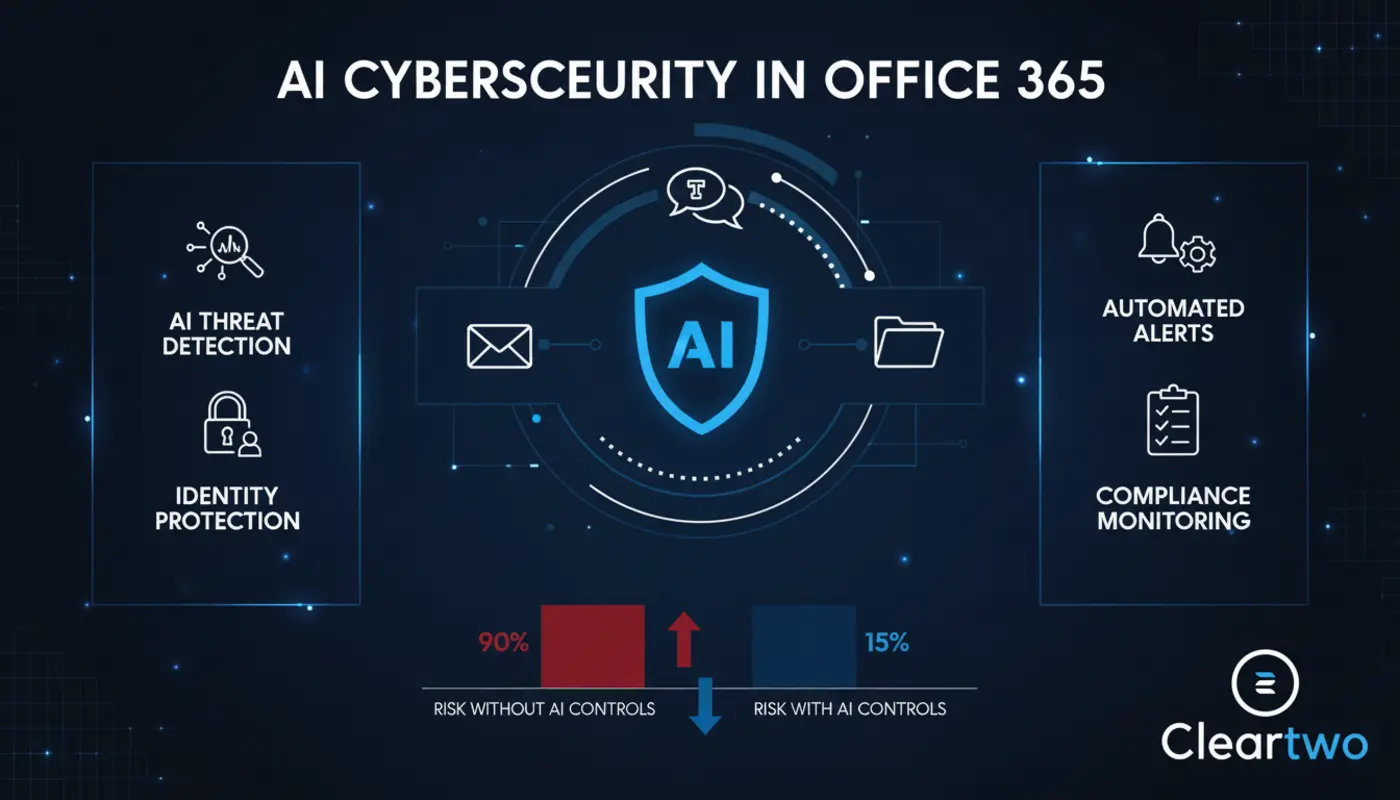
AI powered attacks are now the norm. Cybercriminals use AI to impersonate staff, break passwords fast, and scan for weaknesses. Microsoft states that most breaches come from stolen or misused identities, not old school malware.
The UK has seen a rise in such cases. Office 365 attracts attackers because it holds everything. Emails. Chats. Files. This is why built in compliance tools matter.
AI tools inside Office 365 can reduce risks, but only when set up correctly. Default settings are not a plan. They are negligence.
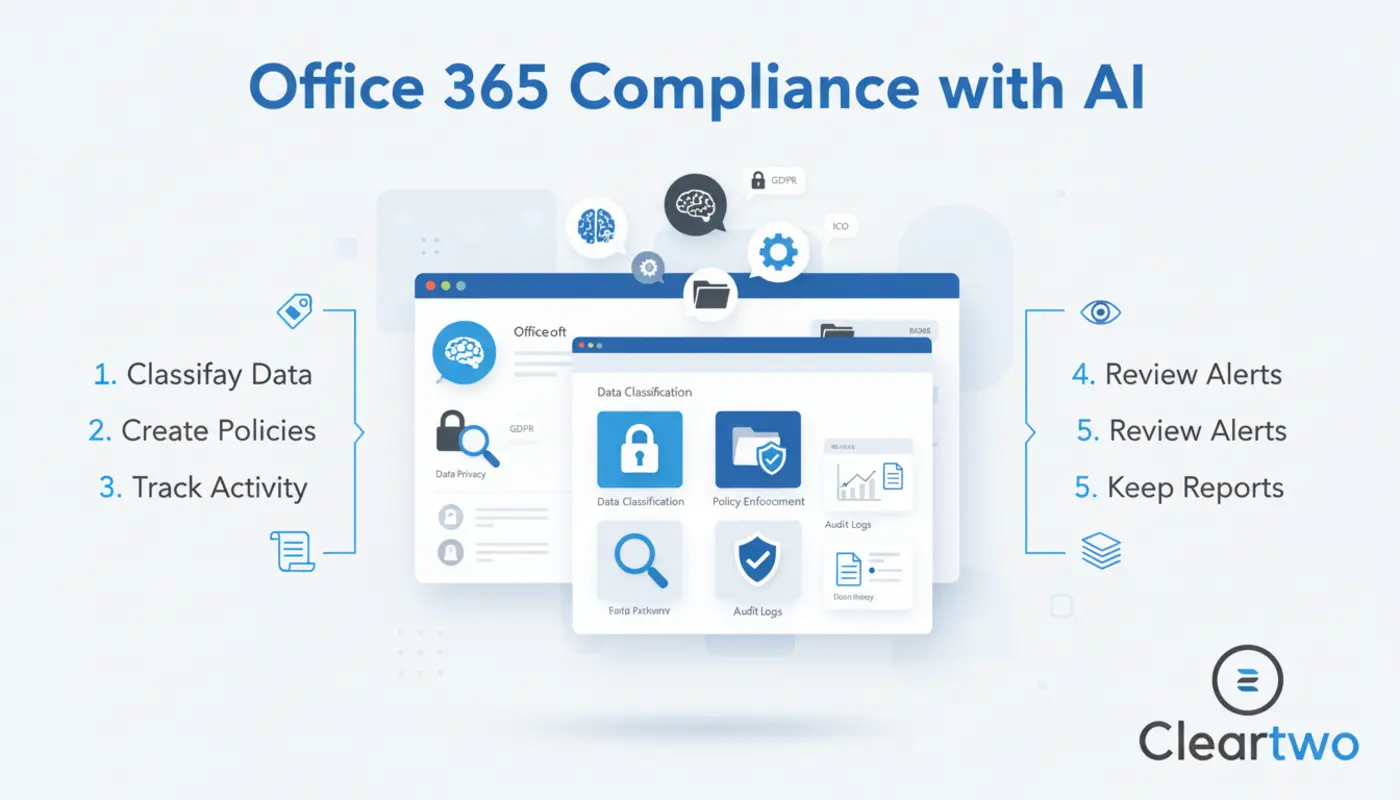
How To Ensure Office 365 Compliance With AI
Cut the nonsense. This is not complicated. Here is the basic list:
- Classify your data. Know what is sensitive and what is not.
- Create policies. Tell AI what it can do and what it cannot.
- Track activity. Log everything the AI touches.
- Review alerts. Humans still make the final call.
- Keep reports. Auditors love clear paperwork.
Add this to a strong systems audit modernisation. Then you get a setup that is safe, monitored, and documented.
Why Use AI For Compliance Even If You Are Doing It Right
Using AI the right way saves you time. Manual checks? Slow and prone to mistakes. AI finds patterns humans do not spot.
The benefits are clear. Policies work faster. Issues in email, Teams, or files get flagged early.
And money? Fewer incidents mean fewer penalties. Most fines come from weak controls, not hackers. For clarity, review the UK Government data protection guidance.
- Fast data checks
- Clear audit trails
- Lower breach risk
- Less manual work
- Better insight
- Controls that grow with your needs
How To Implement This As A UK Business
Start simple. Do not launch everything at once.
Check your Office 365 setup. You must not skip this. Cleartwo begins with this step and supports it with IT support for businesses.
Then switch on AI features in controlled areas. Test policies. Monitor logs. Adjust as needed.
Train your team. This is vital. AI compliance depends on user behaviour. The digital skills training from Cleartwo helps with this.
The AI Compliance Tools In Office 365
Office 365 includes strong tools. Microsoft Purview handles data labels and policies. Audit logs track AI actions. Defender hunts threats. Together, they form a good base.
Some businesses also use custom CRM or cloud add ons. That is fine. But you must have a proper data flow design. Cleartwo supports this through custom CRM systems.
Costs And Returns
Most compliance features come with your Office 365 licence. The main cost is setup time.
For many UK SMEs, key controls take a few days, not months. The return is strong. Prevented breaches cost far less than fixing problems later.
AI also cuts the workload on staff. Less manual checking. More time saved.
Best Practices For Office 365 Compliance With AI
Complicated rules never work. They confuse everyone and get ignored.
Use simple labels. Review logs weekly. Update policies every quarter. Focus on business risks, not tech showing off.
Line up compliance with wider digital plans like digital transformation services. AI does not work alone.
The Future Of AI And Office 365 Compliance
AI is getting more independent. It will make more decisions without guidance. Compliance tools are improving but not always quickly.
UK regulators now focus on AI accountability. They want proof. Clear notes. Solid processes.
Build your foundation now and you will keep up. Skip it and you will struggle later.
Why Cleartwo Cuts Through The Noise
Cleartwo avoids hype. We deliver simple and effective solutions. No drama. No confusion. Just results. We cover AI, automation, and compliance with ease.
If you want Office 365 compliance with AI, without chaos, start with a full review. Check out our guide on common M365 admin mistakes and our blog on digital systems planning.
Frequently Asked Questions
Is AI in Office 365 compliant with UK GDPR?
Yes, if you set it up correctly. Compliance depends on strong policies and regular monitoring.
Do small UK businesses need AI compliance controls?
Yes. Size does not excuse you from data laws.
Does AI replace human checks?
No. AI supports them. Humans still make the decisions.
Can AI improve security and productivity?
Yes. When configured well, it boosts both.
How fast can this be set up?
With the right support, most UK SMEs can set up the core in a few weeks.